USB vs XLR Microphones: A First Podcast Setup Guide
SpartanShopper · November 10, 2026
Compare USB and XLR microphones by the full recording setup, number of speakers and monitoring needs. See where a dual-output mic can fit.
For one person recording at a computer, a USB microphone can keep the setup simple. XLR becomes useful when you want to connect microphones through an audio interface or recorder, especially for multiple speakers. A microphone with both outputs can offer a USB starting point and an XLR option later, but it does not remove the need to plan the rest of the system.
Affiliate disclosure: SpartanShopper may earn a commission from purchases through links on this page, at no extra cost to you. As an Amazon Associate, we earn from qualifying purchases.
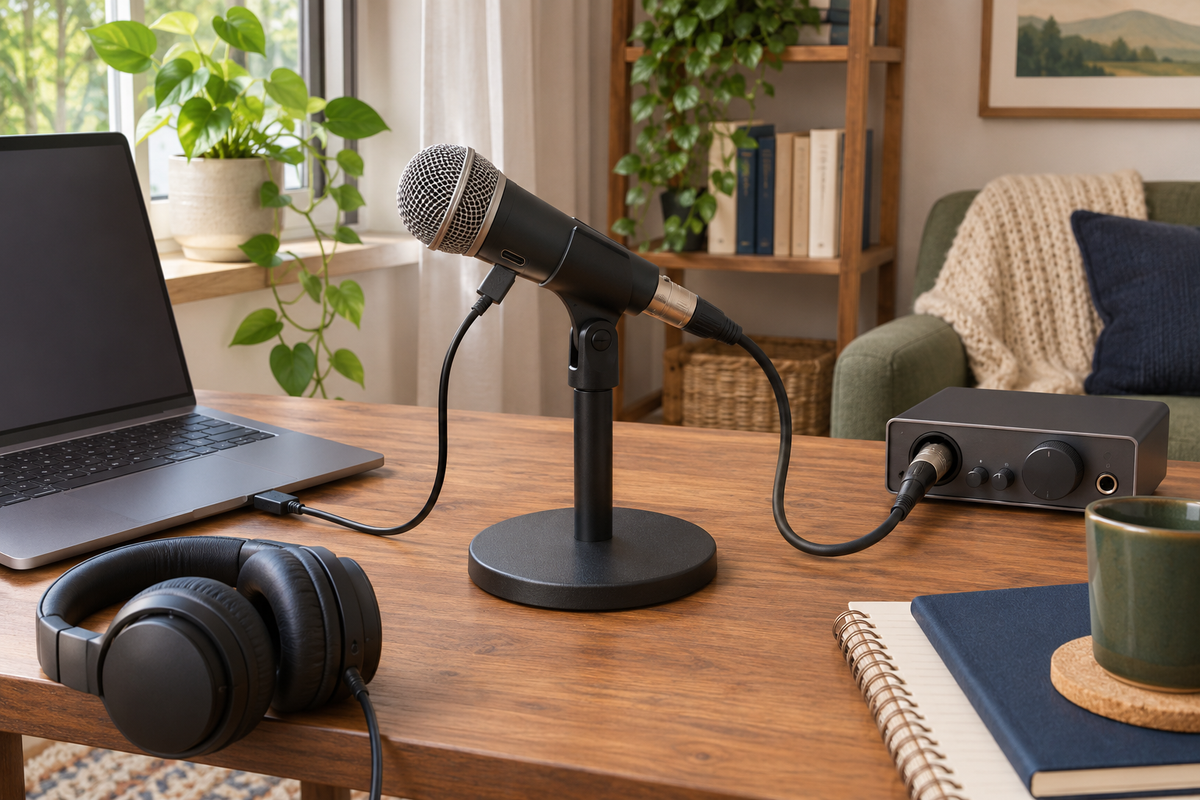
The cover image is an AI-generated editorial illustration, not a photograph of the linked product or proof of a tested project.
| Setup | What you need to check | Likely fit |
|---|---|---|
| USB microphone | Computer/device compatibility, cable and recording software | A straightforward single-speaker desk setup |
| XLR microphone | Interface or recorder, suitable input, cable and monitoring | Multiple inputs or a more configurable recording chain |
| USB/XLR microphone | Requirements for each output separately | Starting on USB with a possible later interface |
Count speakers before choosing hardware
If you are recording yourself, one microphone may be enough. If two people will sit together, decide whether you want separate microphones and separate tracks. That choice affects the number of inputs, stands, cables and headphone connections you need.
Do not assume two USB microphones can simply be plugged into any computer and selected together in every recording app. Check the operating system and software’s documented support. An interface with the required number of microphone inputs can provide a more deliberate route for a multi-microphone session.
Budget for a usable setup
For USB, count a stable stand, a suitable cable, compatible headphones if needed and the recording software. For XLR, include the interface or recorder and XLR cable as well as the microphone. Check whether the interface provides the monitoring connections and controls you expect.
Hypothetical example: an $80 microphone plus a $120 interface and $20 cable is a $220 equipment subtotal before a stand, headphones, tax or shipping. Those are illustrative numbers, not current product prices. Comparing only the microphone price would miss most of that difference.
A dual-output example: Samson Q2U
The Samson Q2U is a dynamic microphone with USB and XLR outputs. The current linked pack describes a desktop tripod, extension, microphone clip, windscreen, USB cable and XLR cable. It can suit someone starting with one voice at a computer who wants an XLR option for another setup later.
Check the current connector and included cable against the computer you use. Listings and manuals can describe different hardware revisions, so do not buy an adapter from an older photo alone. We have not measured this microphone’s sound or compared it in a controlled listening test.
Check the Samson Q2U recording and podcasting pack
Make a short test before buying more gear
Record a short sample in the room you plan to use, then listen on headphones. Notice background appliances, desk bumps and the distance between your mouth and the microphone. A more expensive connection type does not automatically solve a noisy room or poor microphone placement.
Use the microphone and software instructions to set input level and monitoring. Check that the recording is using the intended microphone rather than the laptop’s built-in input. Save and replay the file before recording a long conversation.
For remote guests, check the whole workflow
The guest’s device, microphone and connection affect the recording too. Decide which app will record, whether each speaker gets a separate track and how files will be saved. A local XLR setup does not guarantee a remote guest’s audio quality.
For an in-person family story, you may not need a new microphone at all. A phone placed in a quiet room, with permission and a short test, can be a useful beginning. Upgrade only when you can identify a limitation that the new equipment is likely to address.
Use a consent-first family history interview checklist
Choose the connection for the next real session
Choose USB when a simple compatible computer setup meets your needs. Choose XLR when the interface or recorder solves a specific input and control requirement. Consider a dual-output microphone when both paths are useful to you. Write down the complete equipment list before comparing totals.
Sources and product checks
Product information was checked against the exact retail listings and the sources below on November 9, 2026. These are researched planning and buying guides, not hands-on product tests. Check the selected variant, included items, current price and instructions before ordering.
Get Exclusive Coupon Codes
Deals and discount codes delivered to your inbox. No spam.
Get a Free Healthy Snack Box
Gluten-free, sugar-free, better-for-you snacks. No purchase required.
Claim My Free BoxSponsored offer. No purchase necessary.