Photo Printers for Scrapbooking: Size and Running Cost
SpartanShopper · November 10, 2026
Compare mini photo printers by print size, app requirements and refill cost. Calculate cost per finished print before choosing a scrapbook printer.
Choose a scrapbook photo printer by the size of the print you want and the cost of the paper you will keep buying. A compact printer can be convenient for a few pictures at a time, but it may be the wrong tool for large album pages or high-volume printing. Cut a paper template before buying the printer.
Affiliate disclosure: SpartanShopper may earn a commission from purchases through links on this page, at no extra cost to you. As an Amazon Associate, we earn from qualifying purchases.
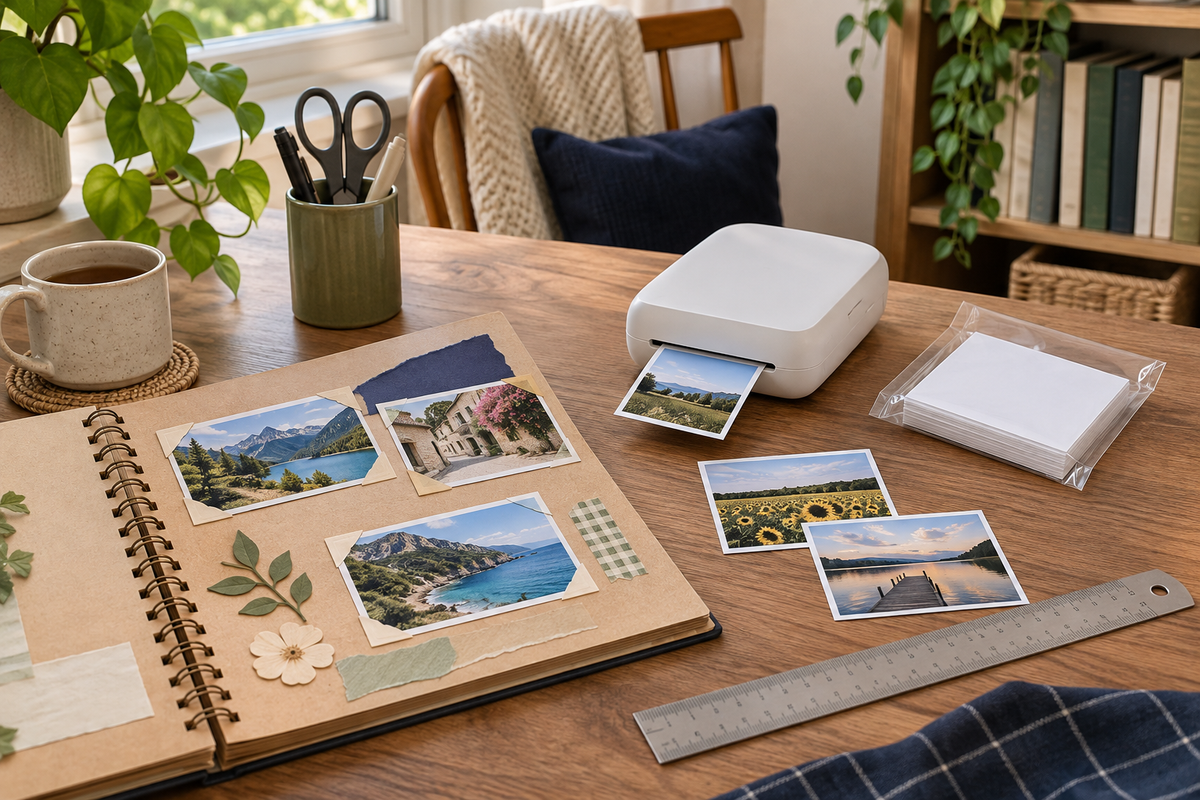
The cover image is an AI-generated editorial illustration, not a photograph of the linked product or proof of a tested project.
Test the print size on an actual page
Cut a rectangle the size of the printer’s output and place it on your usual notebook or album page. Leave room for a caption, date and any other material you want to include. Try both portrait and landscape placement.
A two-by-three-inch print can work as a small journal accent. It cannot show the same amount of detail as a much larger print without making faces and text smaller. If you want one photograph to dominate a large album page, compare larger-format options or a print service before choosing a pocket printer.
Compare the whole printing routine
Check whether the printer needs a phone app, Bluetooth connection, a particular operating-system version or another device. Look at the current app listing before ordering, not just the compatibility printed in an old review. Confirm how the printer is charged and whether a charging adapter is included.
Consider whether you want to print immediately while journaling or collect photos and order them later. An at-home mini printer favors immediacy. A print service may suit someone who wants a larger batch or a different size without keeping another device charged. Neither workflow is automatically cheaper for every household.
A small-print example: Canon IVY 2
The Canon IVY 2 uses two-by-three-inch ZINK photo paper, with color-forming material in the paper rather than a separate ink cartridge. Canon describes peel-and-stick prints and a mobile workflow through its Mini Print app. The linked option is Pure White; verify the selected bundle and included paper before buying.
This is a fit-focused product example, not a claim that we tested its color accuracy or print longevity. If the photos are important originals or intended for long-term preservation, keep digital backups and check archival requirements separately. A decorative sticker print is not a substitute for preserving the source image.
Check the Canon IVY 2 Pure White printer and current contents
Calculate paper cost per usable print
Divide the refill pack’s delivered cost by the number of prints it contains. Then allow for test prints or mistakes in your own use. A printer described as inkless still has a consumable cost; the specialized paper is part of every print.
Dated price example: Canon’s official page listed a 50-sheet ZINK pack at $29.99 when checked November 9, 2026. That is about $0.60 per sheet before any tax or shipping. If five sheets in that pack were used for tests or mistakes, the same $29.99 divided by 45 kept prints would be about $0.67 each. The wasted-sheet assumption is hypothetical, not a measured failure rate. Prices can change.
See Canon’s current 50-sheet paper specifications and price
Add the printer cost if you want a fuller comparison
For a household budget, separate the one-time printer purchase from recurring paper. A useful calculation is: printer cost plus expected refill spending over the period you care about. Compare that total with the number and size of prints you would actually order elsewhere.
Do not divide by an ambitious number of future prints just to make a purchase look cheaper. Use your recent photo-printing habits as a starting point. If you rarely print, ordering a small batch may be the lower-commitment choice. If you journal often and value printing immediately, convenience may justify a higher per-print cost.
Check adhesive backing and cropping
If the paper has an adhesive back, decide whether you want the photo permanently attached or held with another suitable method. Test placement before peeling. Check the app preview for cropping, especially when faces or text sit near the edges.
Keep an unedited digital copy of the photograph. Before printing a large set, make one sample and decide whether the size and appearance work for your page. That small check can prevent a stack of prints that are technically successful but too small for the layout you imagined.
Use small photos in a holiday junk journal
Pair a family photograph with an interview story
Sources and product checks
Product information was checked against the exact retail listings and the sources below on November 9, 2026. These are researched planning and buying guides, not hands-on product tests. Check the selected variant, included items, current price and instructions before ordering.
Get Exclusive Coupon Codes
Deals and discount codes delivered to your inbox. No spam.
Get a Free Healthy Snack Box
Gluten-free, sugar-free, better-for-you snacks. No purchase required.
Claim My Free BoxSponsored offer. No purchase necessary.